Make Mobile Product Research Easier Without Rushing the Checks
Use categories and short searches to reduce mobile browsing effort, then slow down for images, measurements, source verification and delivery requirements.

On a phone, the difficult part of a large sourcing sheet is often not understanding the product—it is reaching the right information. Wide rows, small images and long links can turn a simple search into repeated zooming and horizontal scrolling.
A web catalog offers another way into the same kind of data. Categories and product pages can reduce the navigation effort, leaving more attention for the details that matter. This is a change in research workflow, not a guarantee that every page will load quickly or every item will be suitable.
The useful goal is to make discovery faster while keeping verification careful.
Why the phone changes the experience
A product sheet may combine thousands of rows with formulas, images, notes, filters and historical records. A desktop screen can accommodate more of that grid than a phone. On the smaller display, a useful field may be several columns away from the product name.
Performance can also depend on the sheet's complexity, browser and connection. Delayed scrolling, awkward filtering and accidental sideways movement can interrupt the research. Even when the file performs adequately, the layout may still demand extra effort.
A catalog changes the unit of attention from a row to a product. A card introduces the item; a page groups its available information. The underlying spreadsheet can remain useful for data management while the catalog supports browsing.

Choose the right place for each task
| Research stage | Useful tool | What still needs attention |
|---|---|---|
| Explore a product family | Catalog category or concise search | Whether results match the intended type |
| Read one candidate | Product detail page | Completeness and interpretation of the fields |
| Compare structured information | Personal notes or spreadsheet | Consistent units and comparable options |
| Place the order | External purchasing platform | Current item, terms, fees and delivery conditions |
The reference Kakobuy catalog homepage can serve as an entry point. Its interface should be assessed on your actual device; “catalog” does not automatically mean responsive or fast.
Use fewer pages more deliberately
Begin with the product type rather than a sentence. Try “shoes”, “t-shirt” or another concise name. Add a relevant qualifier only when the result set needs it.
If you know the family, enter the category first. For coordinated clothing, the reference Sets section avoids starting among unrelated products.
Scan the card's image and title for relevance, then open only plausible candidates. Ten neighboring results do not all deserve detailed inspection. Reducing unnecessary page changes can save both loading time and decision effort.
Before leaving a promising page, record the source link and the selected size, color or configuration. Add critical measurements and unanswered questions. These short notes prevent repeated searching and make later warehouse comparison easier.
Use a listing as a checkpoint, not a shortcut
Before following the external source, ask whether the page clearly identifies the item. Is the title specific enough to distinguish it from alternatives? Do available images show the shape and major details? Are dimensions, variations and source information present?
A thumbnail supports discovery. It does not verify composition, construction strength or comfort. A fuller gallery supports some visible checks, but still cannot prove every physical property.
Distinguish seller images, historical QC examples and photographs of your own received order. They provide different kinds of evidence. Do not approve your unit's condition based only on an attractive reference photograph.
If a key field is absent, mark it unknown. A convenient layout is not a reason to supply the missing detail yourself.
Inspect mobile photos without overinterpreting zoom
A phone can be adequate for visible QC review. Open the highest-resolution image available and compare several views. Extreme digital zoom can magnify compression or blur until it resembles a defect.
Focus on reasonable visual questions:
- Are major seams visibly consistent?
- Is a graphic aligned in the photographed view?
- Are components obviously mismatched in color?
- Is the overall form symmetrical?
- Are visible buttons, buckles, zippers or handles damaged?
- Do a pair of shoes show comparable shape?
- Are important labels or packaging visibly intact?
For shoes, compare toe shape, panels, sole junctions and the pair as a whole. For clothing, review collars, cuffs, seams, prints and silhouette. A suspicious close-up is easier to interpret when you also see the complete item.
Lighting and camera angles can change appearance. Images cannot establish exact fabric composition, chemical content, durability or future comfort. If a concern matters and remains unclear, request a better view where the service permits it or use a larger screen before deciding.
Do not skim past measurements
Quick navigation is helpful only if it gets you to better evidence. Size labels such as S or XL are not universal dimensions.
| Product | Useful dimensions | A practical reference |
|---|---|---|
| Tops | Chest and shoulders, body length and sleeves | A suitable garment measured flat |
| Pants | Waist, hips, rise, inseam and opening | A well-fitting existing pair |
| Shoes | Foot and insole lengths, width where provided | Your actual foot and a comfortable pair |
| Accessories | Length, width, circumference or other relevant size; weight if available | The space and use you require |
Compare the seller's method with your own and use consistent units. A conversion chart does not eliminate manufacturer or batch differences. Where the dimension is essential, prioritize it over a familiar US, UK, EU or Australian size label.
A small mobile note with the relevant numbers can be more useful than relying on memory when moving between product pages.
Separate a smooth website from the order service
The catalog helps you find information. An external shopping platform determines the purchase, warehouse and delivery process. Faster browsing does not make that process faster.
Before buying from outside China, check whether the service supports the destination and goods. Compare available routes on conditions, not just the lowest price. Packed dimensions and weight can influence the freight quote, including dimensional-weight billing where applicable.
Review the current customs and tax requirements for the receiving country. VAT, GST and their collection mechanisms may differ. If a route uses DDP or DDU terminology, confirm which charges are included and which may remain payable later.
Batteries, liquids, food-related items, certain materials and other products can have restrictions. Directory inclusion does not establish that every carrier or destination accepts them. Confirm eligibility before ordering.

Mobile research questions
Why does the same sheet feel harder on my phone?
There is less screen space for wide rows, and performance depends on browser resources, file complexity and connection. Both layout and rendering can contribute.
Should I stop using spreadsheets entirely?
No. Keep them for structured notes, sorting or data work where useful. A catalog can be the discovery interface without replacing every spreadsheet task.
Can I review warehouse QC on a phone?
Yes for many visible details. Fine issues may need higher resolution, another angle or a larger display. A photo's limitations remain the same whatever screen you use.
What query should I try first?
The shortest clear product term is a useful starting point. Add a qualifier when needed instead of beginning with a long conversational request.
Is my usual size enough?
Not across different manufacturers or batches. Compare the actual relevant dimensions and measurement method.
Will a faster catalog improve international delivery time?
No. Seller handling, warehouse work, route, transit and customs are separate from website performance.
Move quickly through navigation, slowly through evidence
A practical mobile workflow is to enter the right category, use a short search, open a few relevant pages and save the important details. Then take the time to review specifications, images, options and ordering conditions. The benefit is less unnecessary scrolling—not fewer checks on the item you intend to buy.
Explore Kakobuy

ACNE STUDIOS Smiley Chunky Sneakers Off-White Leather Unisex

Nike Black Breathable Athletic Wear, Premium Unisex Sportswear
Nike PSG Black Red Training Set, Semi-Zip Top & Pants
Nike Black Cushioned Sneakers: Minimalist Casual Shoes
Amiclams Khaki Cotton Joggers: Unisex, Comfy & Versatile
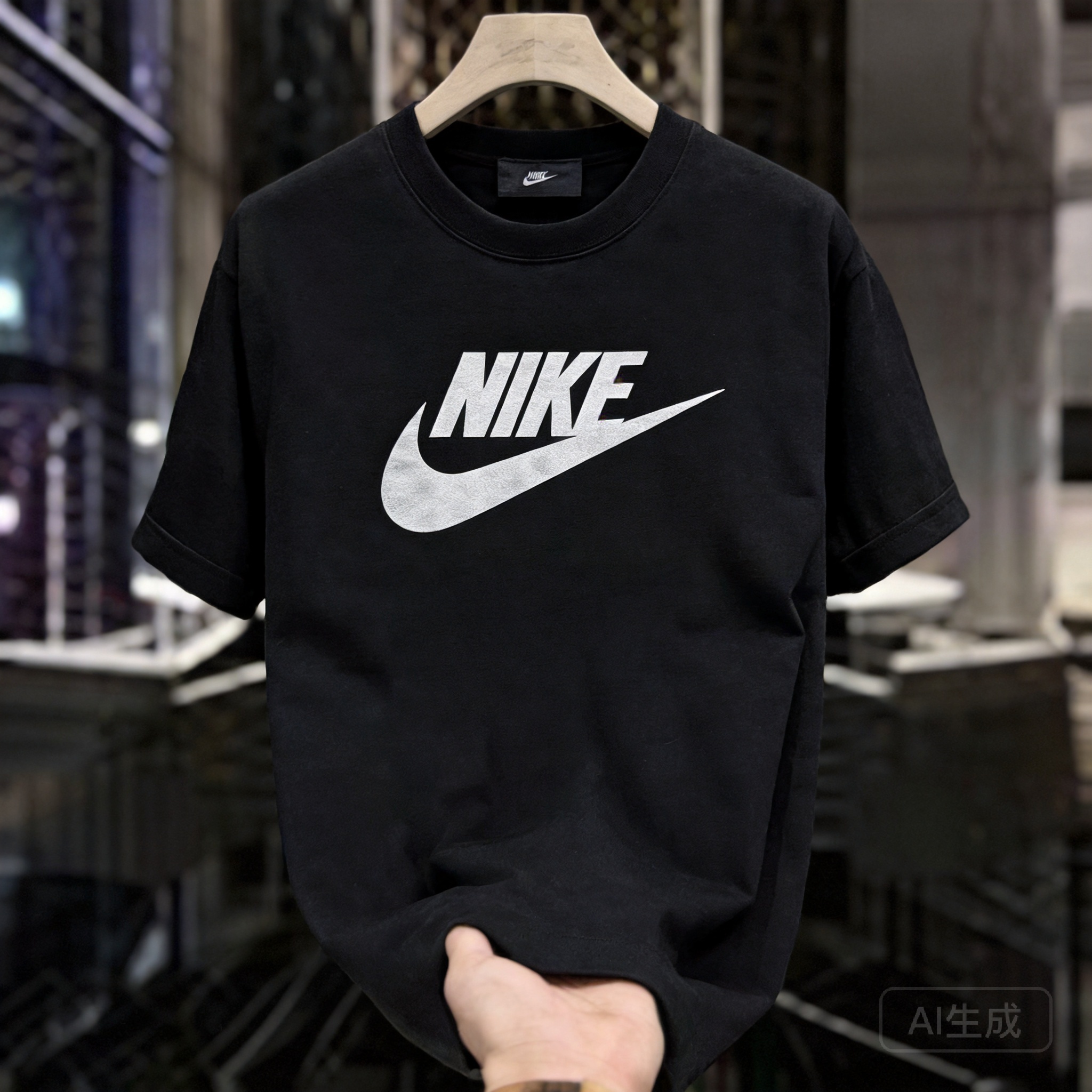
Nike Black Breathable Athletic Wear: Men's & Women's Classic
Nike Black Breathable Athletic Wear, Premium Unisex Sportswear

YEEZY Bright Yellow EVA Clog Sandals: Unisex Summer

Fox Racing Black/Orange Off-Road Motorcycle Jersey
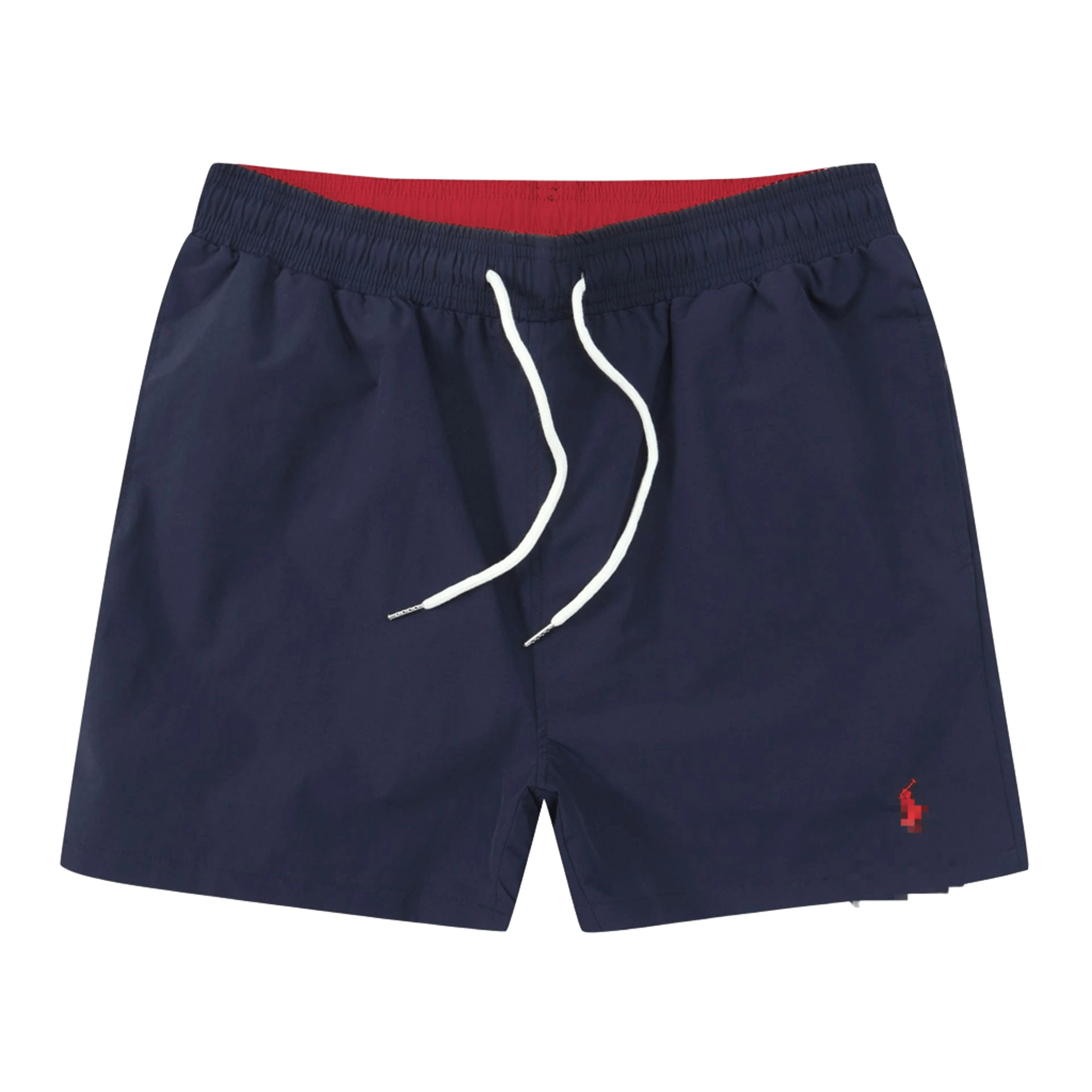
Ralph Lauren Men's Navy Drawstring Shorts
Nike Black Breathable Athletic Wear: Men's & Women's Classic
Nike Black Cushioned Sneakers: Minimalist Casual Shoes
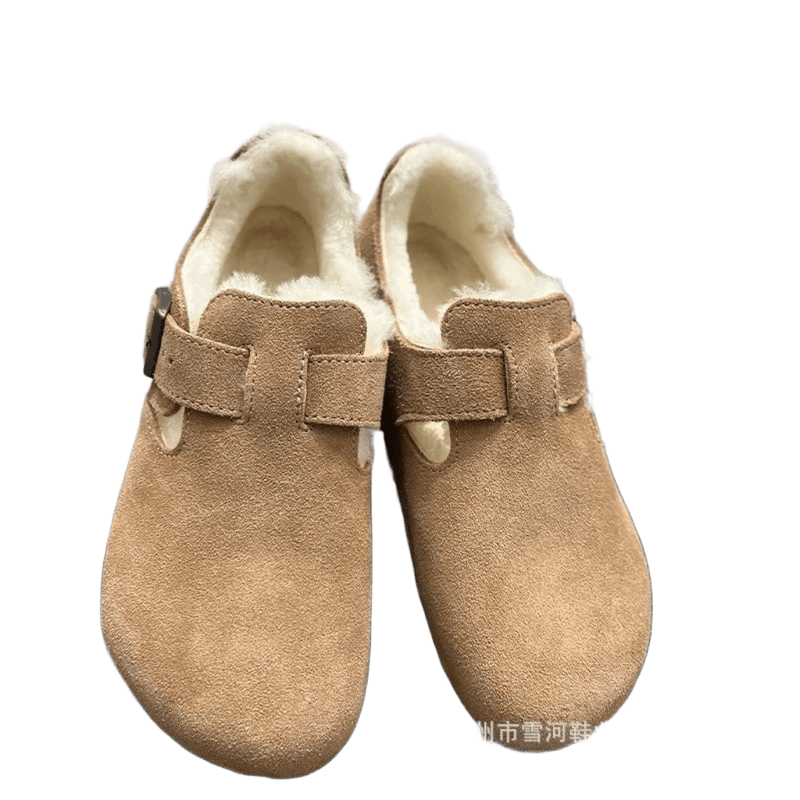
Birkenstock Fleece Sandals: Cozy Winter Unisex Shoes
Nike Black Breathable Athletic Wear, Premium Unisex Sportswear
Nike Black Cushioned Sneakers: Minimalist Casual Shoes
Nike Black Breathable Athletic Wear: Men's & Women's Classic
Amiclams Khaki Cotton Joggers: Unisex, Comfy & Versatile
Fox Racing Black/Orange Off-Road Motorcycle Jersey
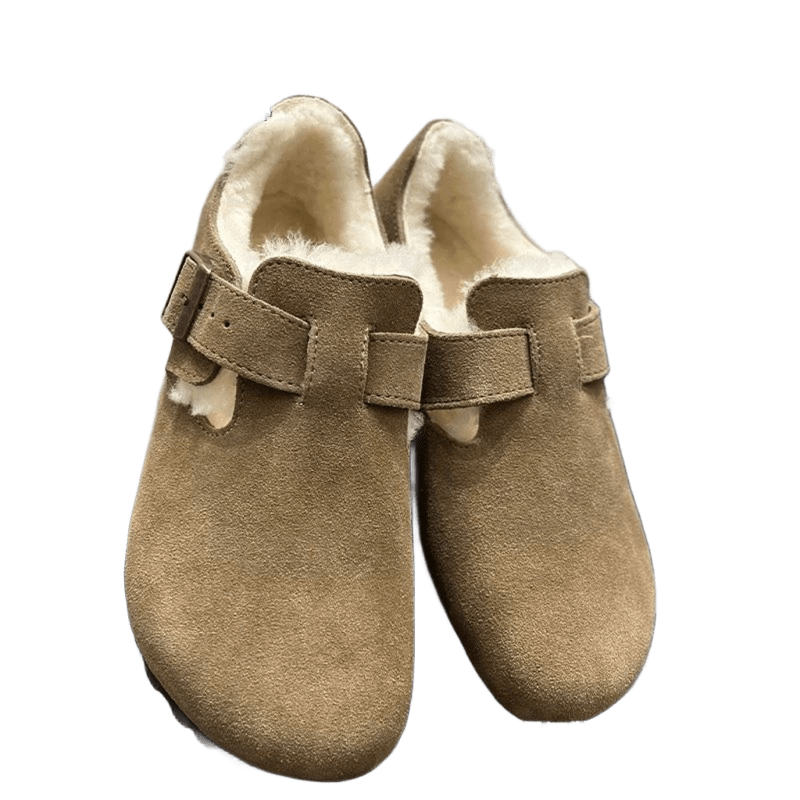
Birkenstock Unisex Grey Brown Suede Winter Boots
Nike Black Breathable Athletic Wear, Premium Unisex Sportswear
Amiclams Khaki Cotton Joggers: Unisex, Comfy & Versatile
Nike Black Cushioned Sneakers: Minimalist Casual Shoes
Nike Black Breathable Athletic Wear: Men's & Women's Classic